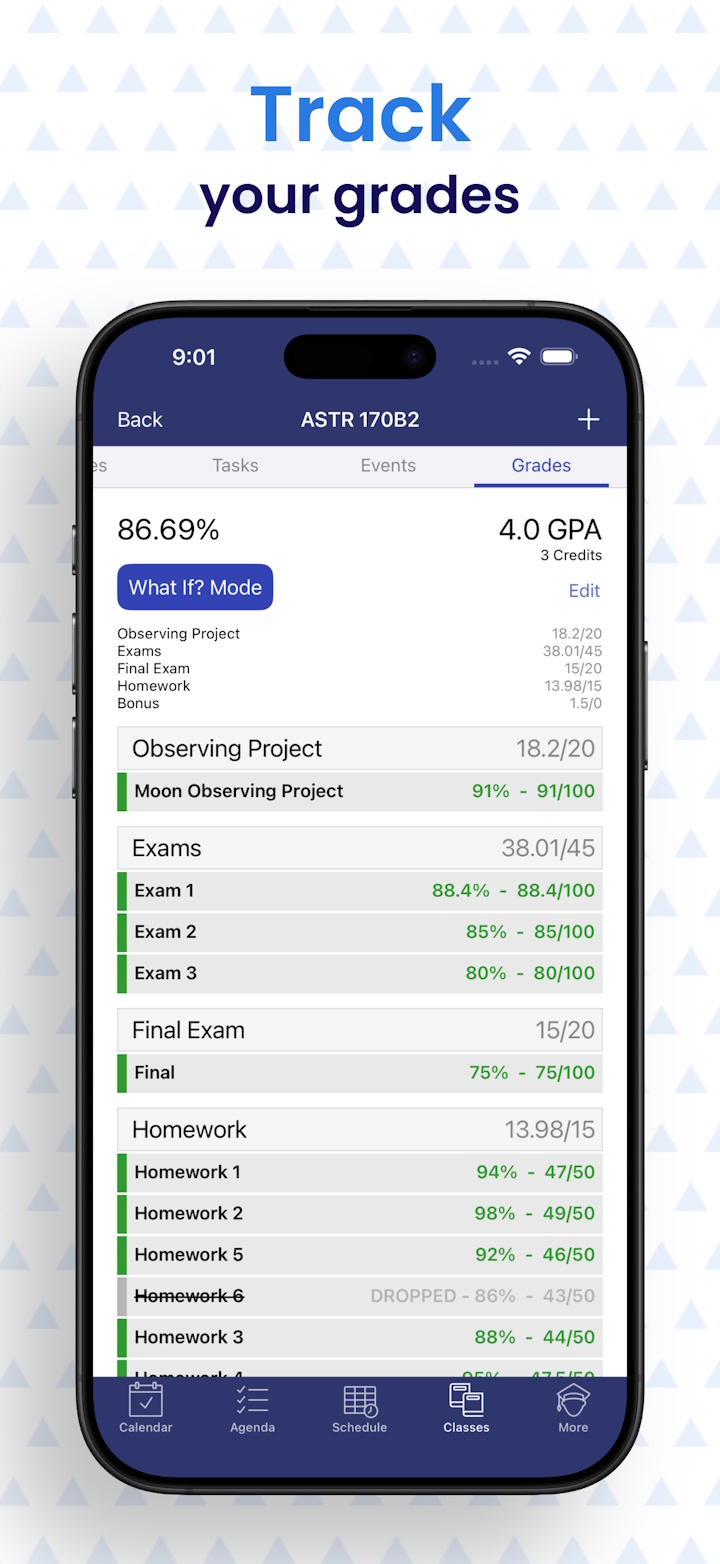
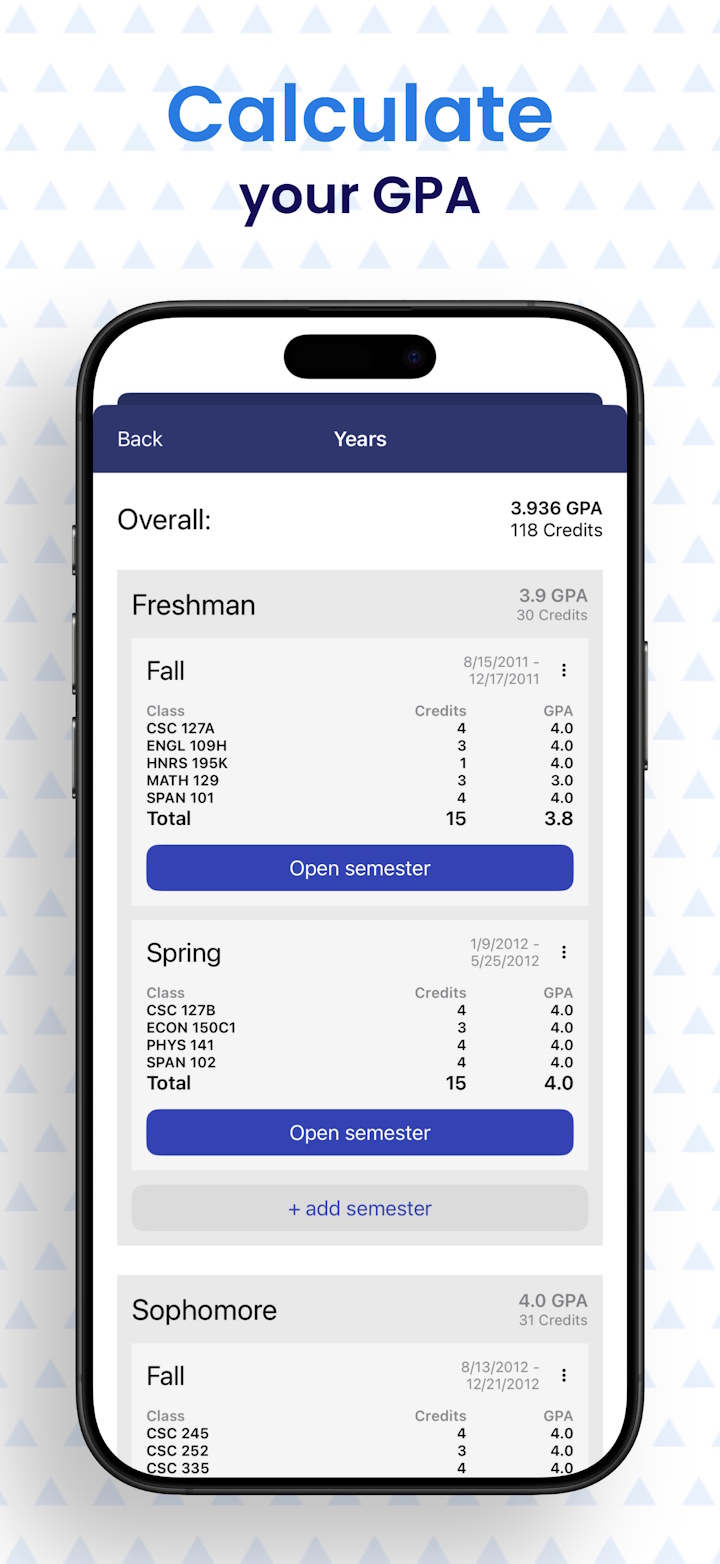
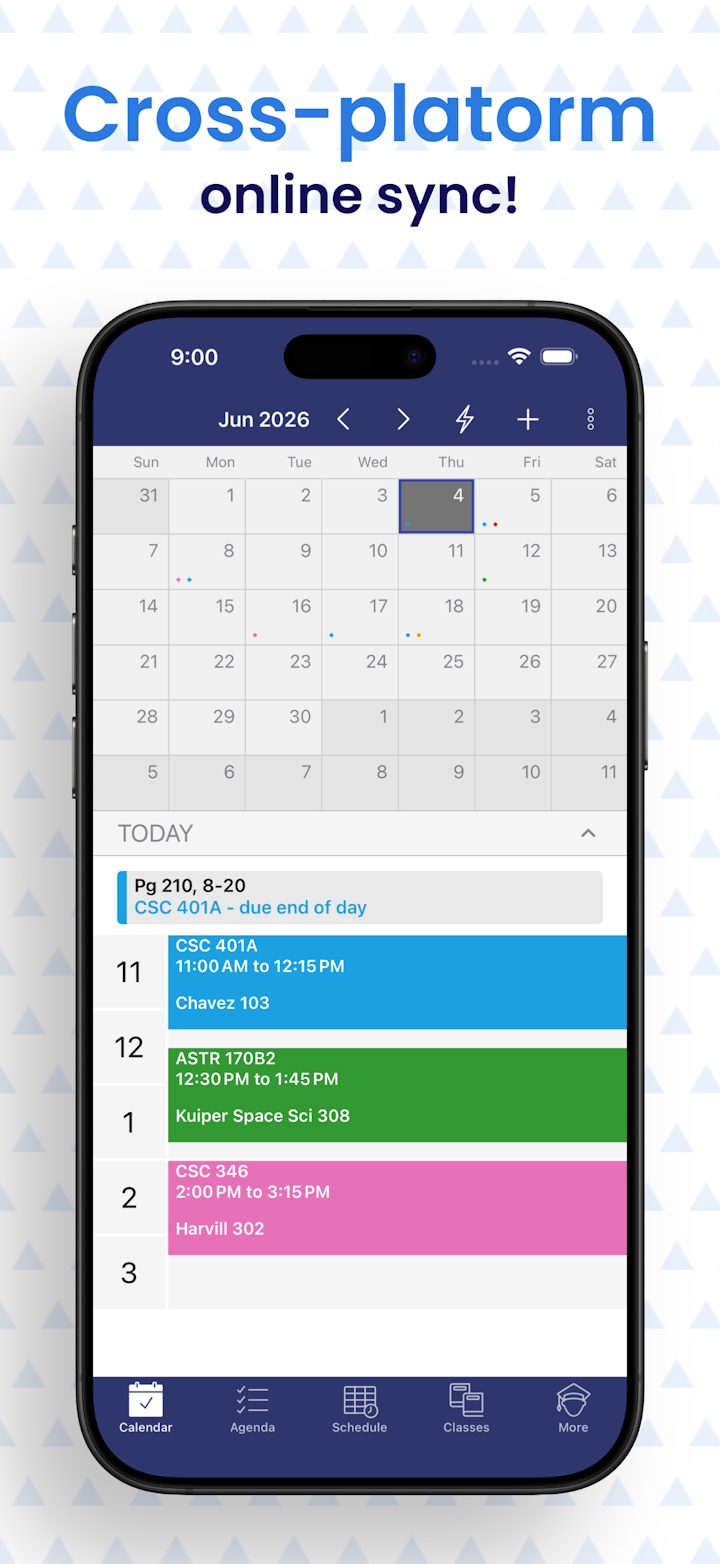
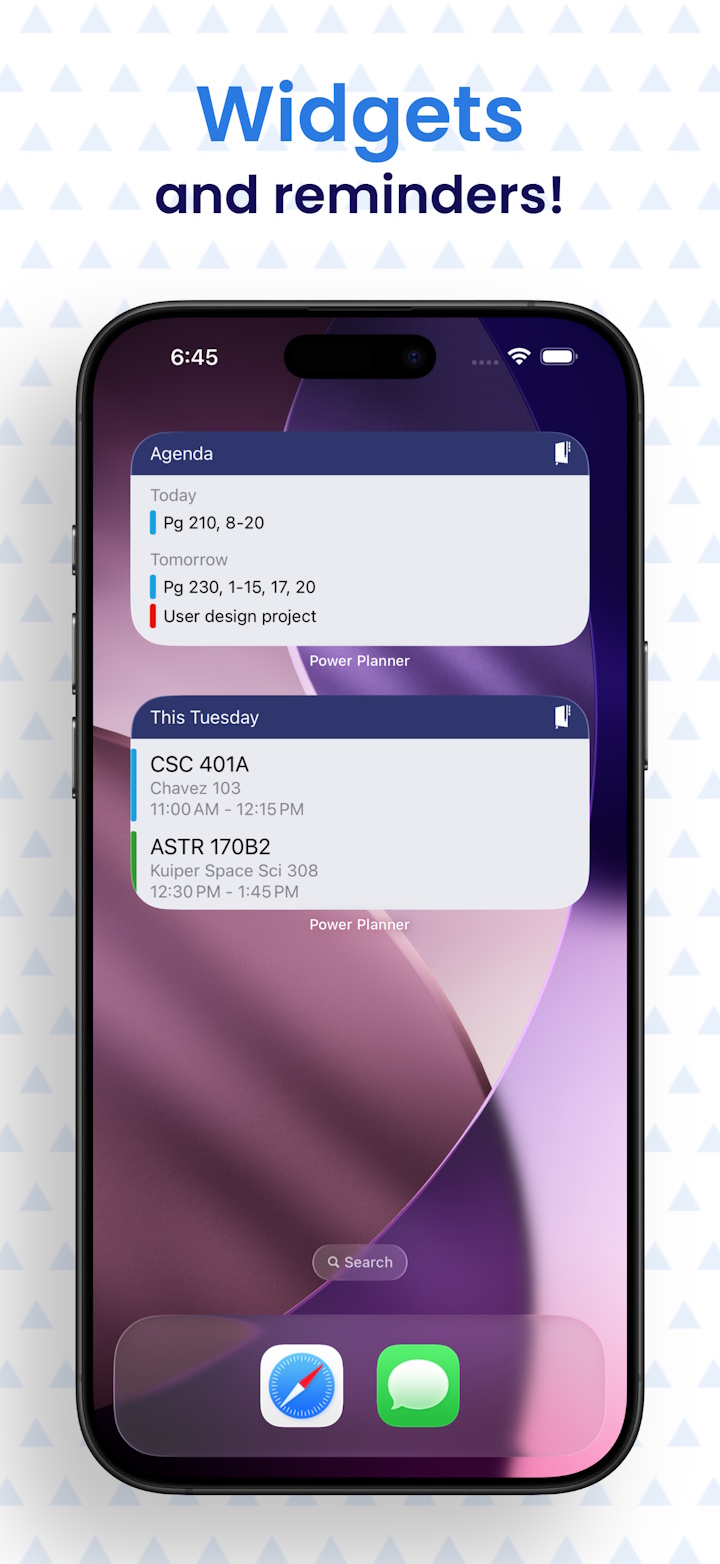
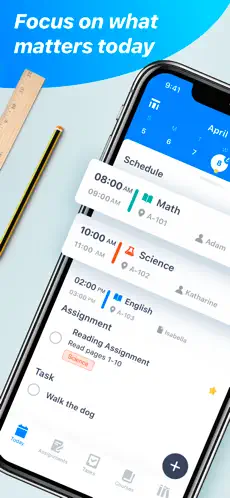
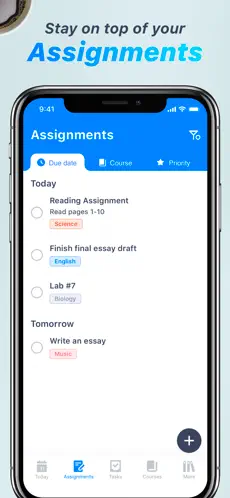
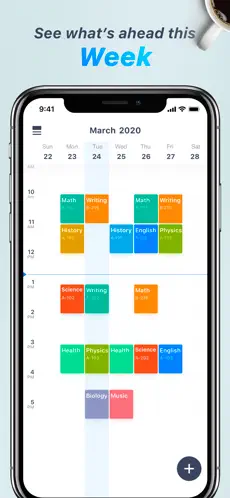
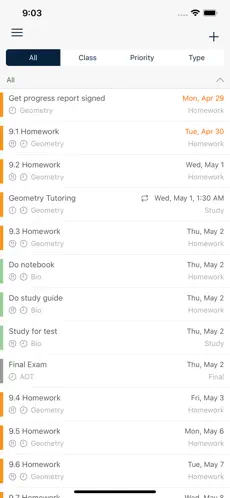
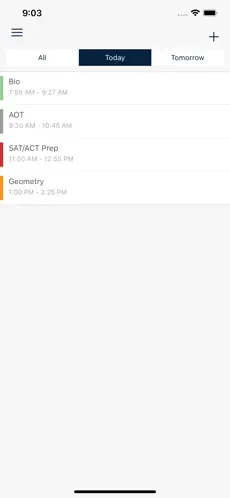
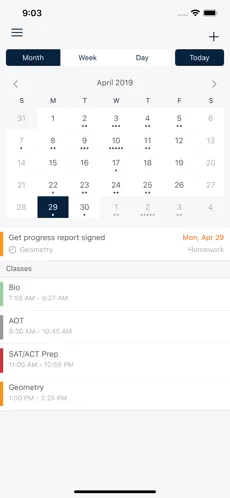
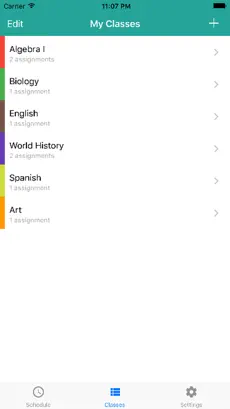
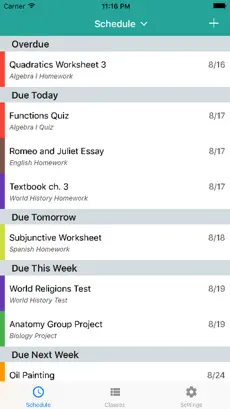
Power Planner is our app, with free online sync across Windows, Mac, iOS, and Android, built specifically for students. It combines assignment and exam tracking with
a full GPA and weighted-grade calculation engine, so you always know exactly where you stand in a class — including a "What-If" mode to see how
a future test score would change your grade. It supports standard and rotating A/B week class schedules. The free version is nearly fully functional (no ads either), and Premium is just a one-time $4.99 purchase rather than a subscription.
Pros
- Modern UI
- Cross-platform online sync for Windows, iOS, Android, Mac, and web
- Free, without ads (Premium is a one-time $4.99 purchase, not a subscription)
- GPA and grade calculation across multiple semesters
- Widgets and reminders
- Supports standard and rotating A/B week class schedules
Cons
- No Canvas / Blackboard integration
- Doesn't support fully custom (non A/B) class schedules
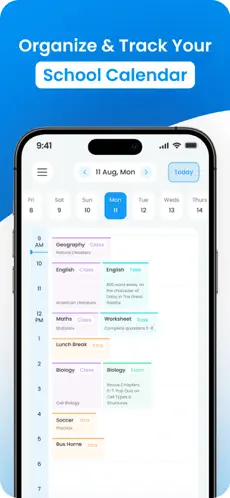
My Study Life is a strong pick for students with complex timetables, thanks to native support for rotating schedules, block periods, and A/B
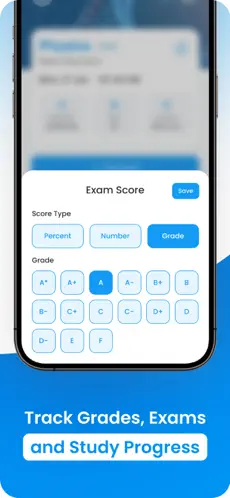
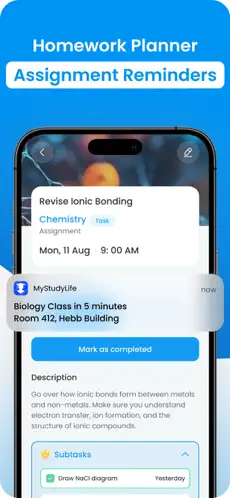
week configurations that most calendar apps can't handle. It includes grade calculation, widgets and reminders, and can sync directly with
Canvas and Blackboard. The tradeoff is platform coverage and price: there's no native Windows or Mac app, and the MSL+ premium tier costs
$39.99/year.
Pros
- Modern UI
- Grade calculation
- Widgets and reminders
- Supports advanced class schedules (rotating, block, A/B weeks)
- Canvas / Blackboard integration
Cons
- No Windows or Mac app, just iOS / Android / web
- Premium is $39.99/year
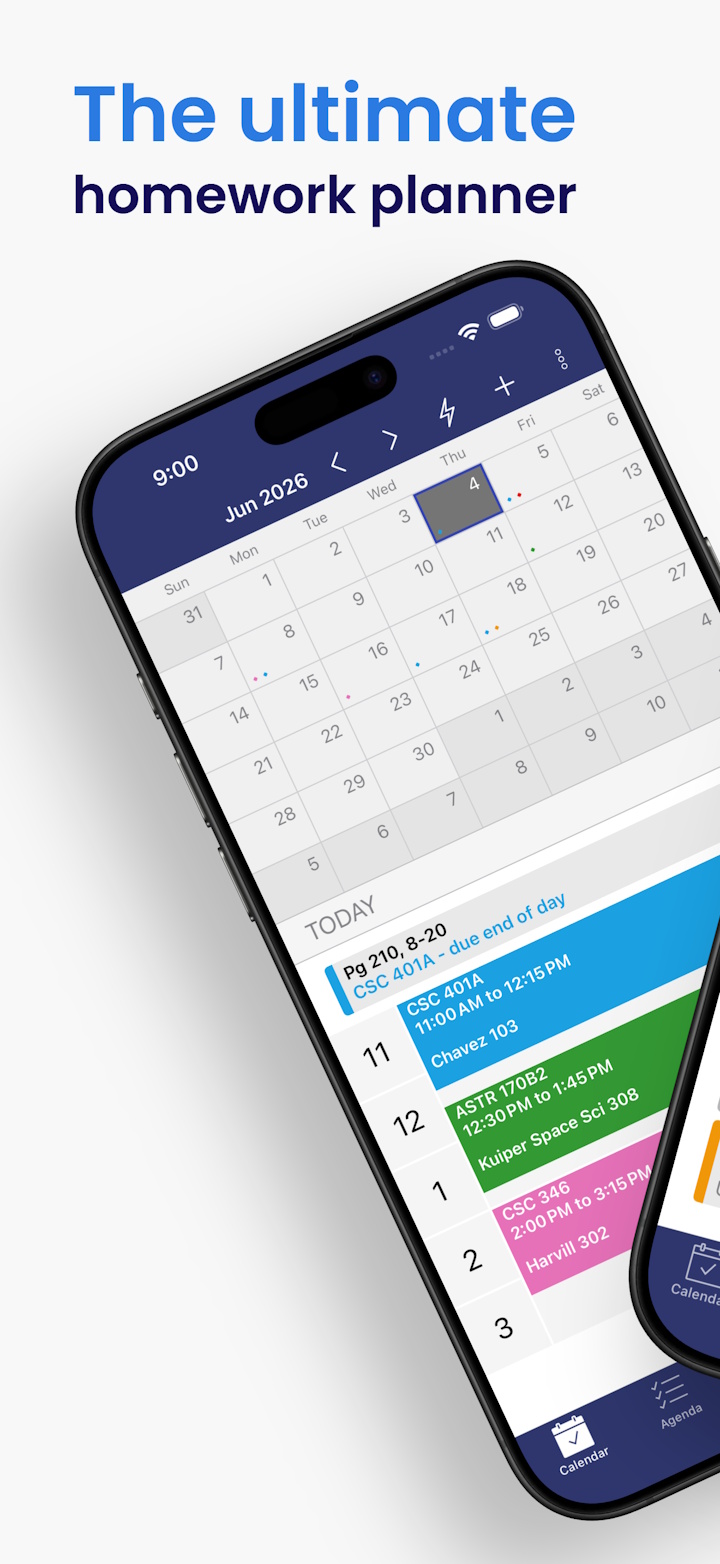
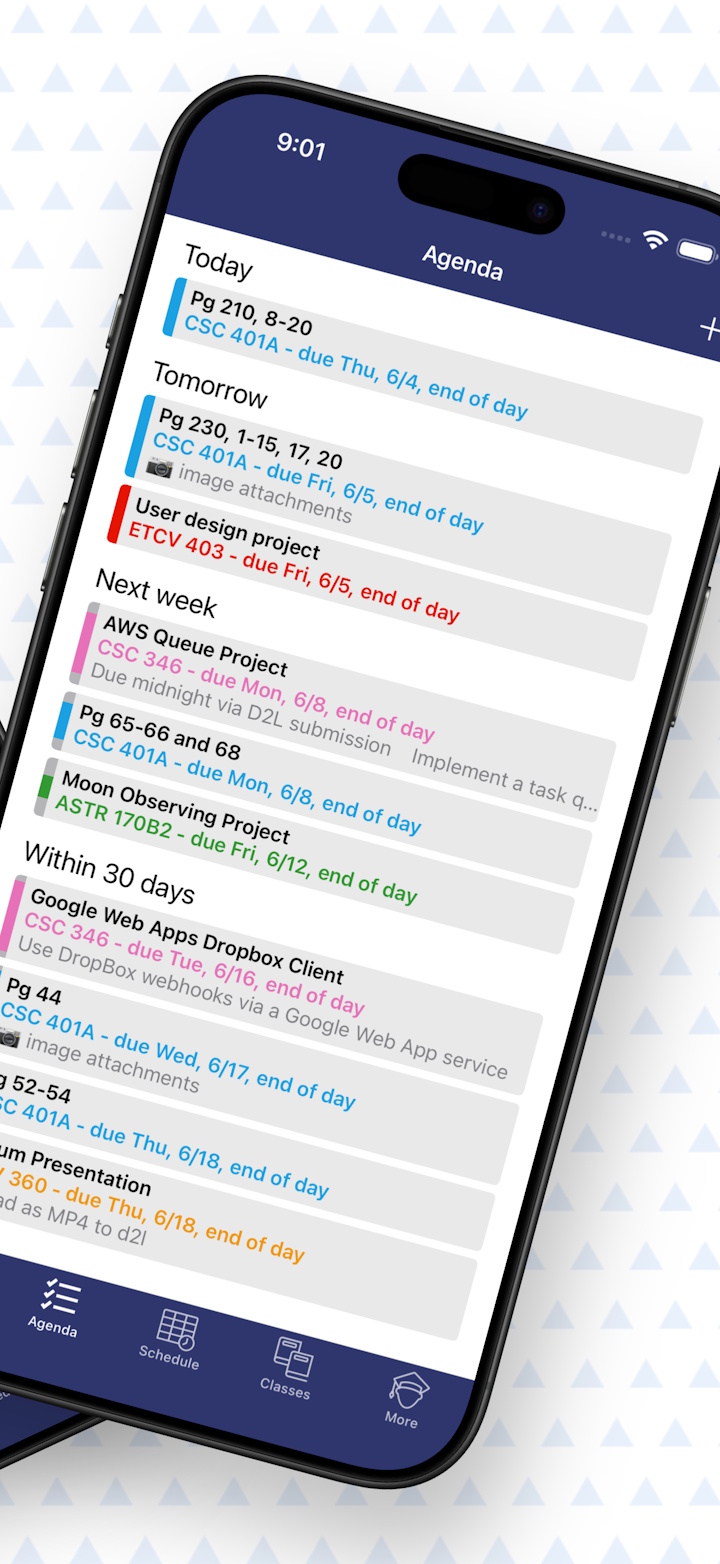
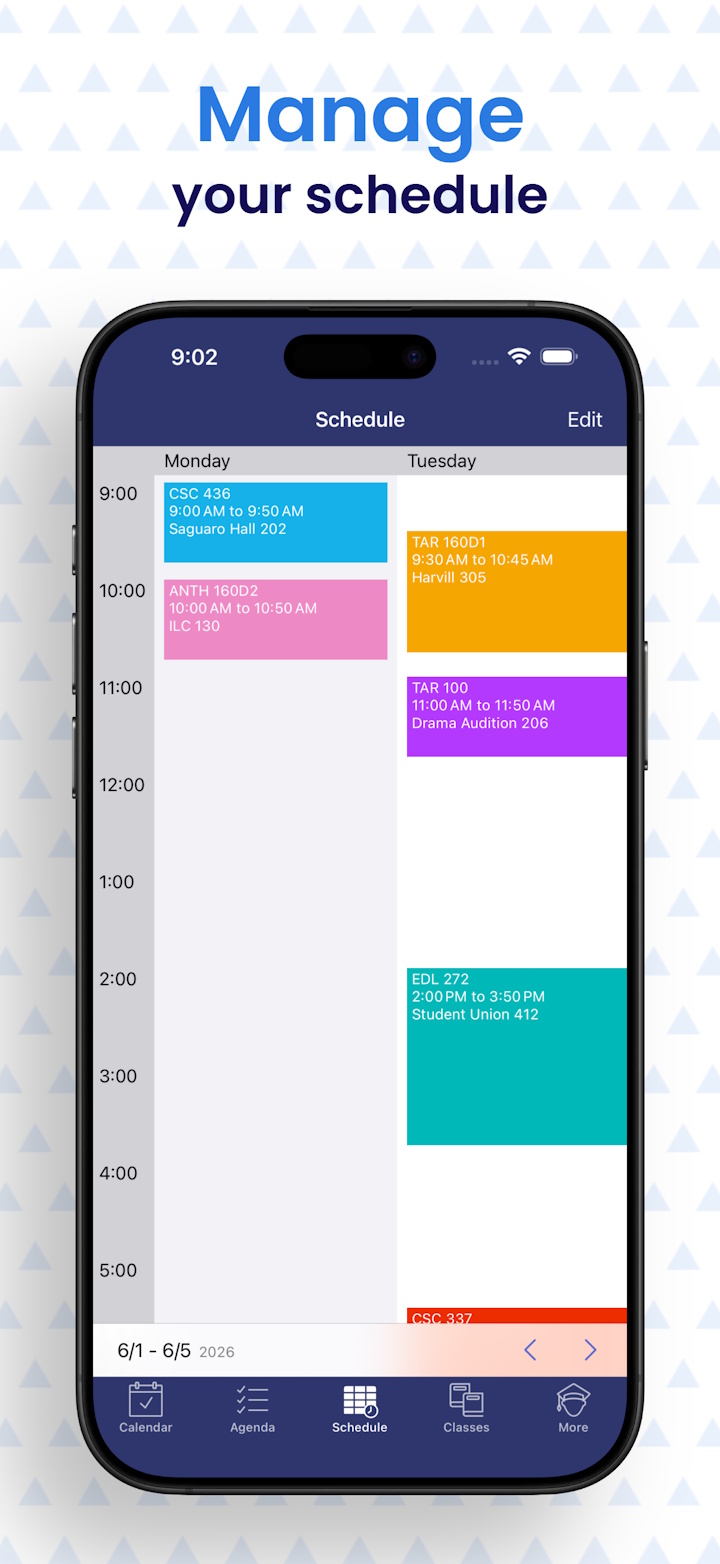
Pocket Schedule Planner offers a clean, modern interface for tracking classes and assignments, but its feature set is limited compared to the
rest of this list. It's iOS-only with no online sync to other devices, has no grade or GPA tools, and its premium tier costs $10.99/year for
a fairly basic set of extras.
Cons
- Premium is $10.99/year
- No online sync, only on iOS
- No grades
myHomework has been around since 2009 and remains a straightforward option for logging assignments with reminders. It's free with ads, and
Premium is only $4.99/year to remove them and unlock calendar feed auto-refresh. It's well suited to students who just want a basic deadline
list, but it has no grade or GPA calculation, no Canvas/Blackboard auto-sync, no native Windows or Mac app, and a fairly basic interface.
Cons
- No Windows or Mac app, just iOS / Android / web
- Ads in free version (Premium is only $4.99/year)
- Basic UI
- No grade / GPA calculation
- No Canvas / Blackboard integration
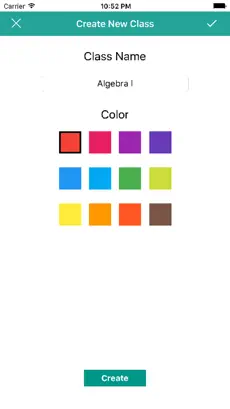
Egenda is a free, entry-level homework organizer with a simple three-step workflow: create classes, add assignments, track progress. It's a
fine choice if you want zero cost and zero setup, but it's very outdated, has no online sync (iOS and Android only), no grades, and no
widgets.
Cons
- Very outdated, very basic
- No online sync, only on iOS and Android
- No grades
- No widgets